
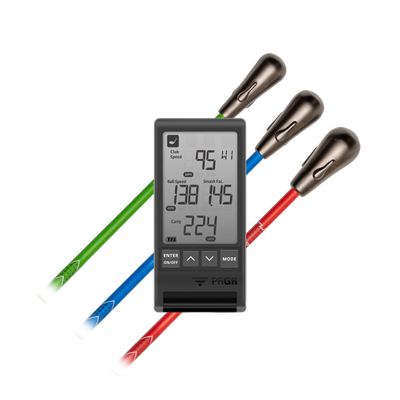


The Goal of Speed Training is to make your body and clubs move faster to produce more ball speed but for which club?
As golfers we are conditioned to equate club head speed with driver speed but what about all the other clubs in your bag?
Many golfers have an idea of how fast they swing their driver but no idea how fast they swing their irons.
So How Fast Should You Be Swinging Your 7 Iron?
A good rule of thumb is 20 mph slower than your driver speed.
If you swing your driver at 100 mph you should be swinging your 7 iron at 80 mph.
Many golfers may find that they aren't swinging their 7 iron as fast as they should relative to their driver leaving distance on the table.
Every extra mph of ball speed with a 7 iron can lead to 1.3 to 1.5 more of carry distance.
Remember—you will be more accurate with a 7 iron than a 6 iron or 5 iron. Shorter clubs into greens=closer average proximity to the hole. This leads to more birdies and pars and lower scores.
So How Do You Increase Your Iron Speeds?
For some players, just speed training with SuperSpeed and their driver will carry over to the rest of the clubs in the bag.
But for some players they may need to actually spend some time hitting 7 irons with max effort trying to incorporate the same feels as when doing the SuperSpeed training.
In the new SuperSpeed App, we have you track both driver speed and 7 iron speed in the Speed Assessments. Make sure you are regularly performing this speed assessment and inputting your data to see if your iron speeds are keeping pace with your driver.
If you have put in speed training time with your driver, it can just be a matter of getting comfortable swinging faster with your irons.
